Engera Docs
Learn how Engera works, from your first project and document to requirements, agents and workflows.
Start guideSign in, create a project and bring in your inputs.ConceptsProjects, items, lifecycle, provenance and how the model fits together.AgentsHow Engera reads documents, derives items and answers with citations.
Derive items from documents
Point an agent at a contract and review proposed requirements, obligations and risks, each linked to the clause it came from.
Explore deriving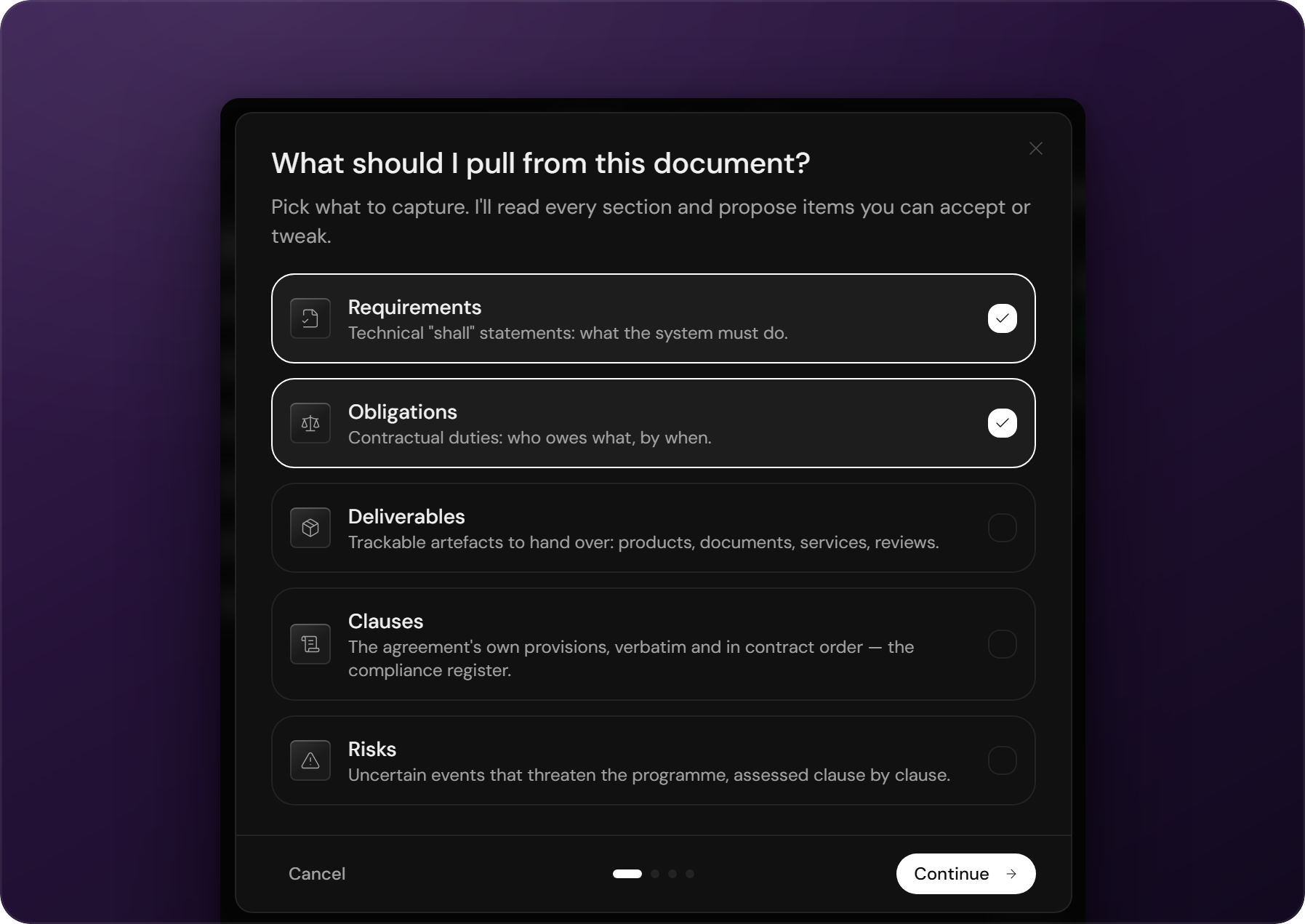
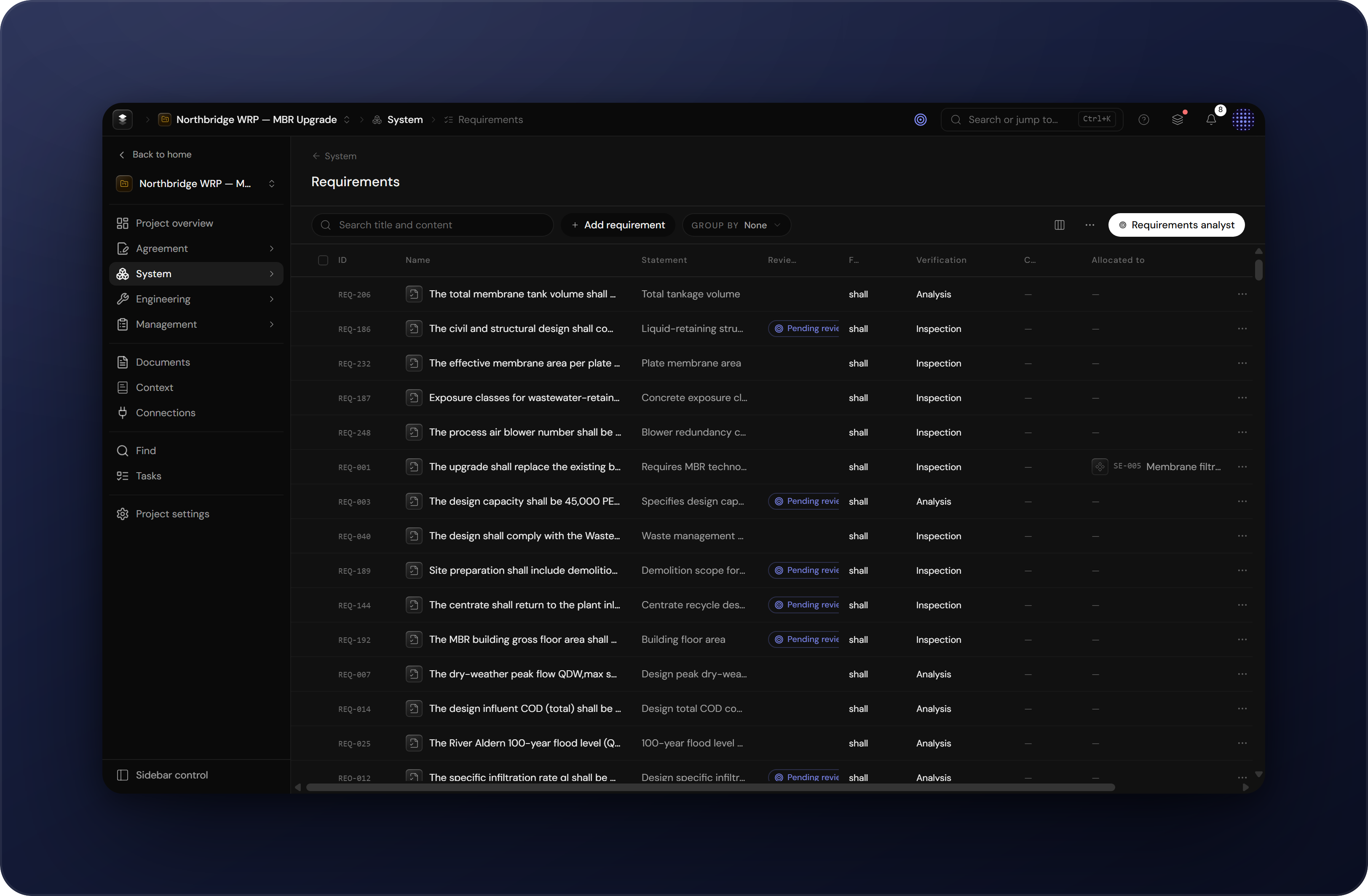
One model for every register
Requirements, risks and obligations share one item model: stable IDs, revisions, typed links and review states.
Read ConceptsAll chapters
Getting startedStart guideSign in, create a project, bring in your inputs, and learn where to find what in Engera.Getting startedConceptsThe building blocks of Engera: projects, items and revisions, lifecycle states, provenance, views, analysts and navigation.Getting startedGetting accessEngera is invite-based. How organisations get onto the platform, and how teammates join an existing workspace.AccountSigning inEngera signs you in with your email address and a one-time code. There are no passwords.AccountProfileSet your name and avatar under Account settings. Your sign-in email is shown for reference and cannot be edited.AccountPreferencesPreferences control how the workspace looks and which language Engera uses for the interface and your emails.AccountNotificationsEngera notifies you in the app and, where you choose, by email. Notification settings are per user.ProjectsCreate & organise projectsProjects are how work is organised in Engera, typically one per programme, contract or bid.ProjectsMembers & accessAccess in Engera is granted per project. How membership works and how to invite members.ProjectsProject settingsChange project details and archive projects under Project settings.AgentsHow derivation worksDerivation reads a document clause by clause and proposes structured items (requirements, obligations, risks), each linked to its source.AgentsDerive items from a documentStart a derivation from an extracted document: Engera reads each section and proposes items for review.AgentsReviewing AI suggestionsItems the AI creates enter the project as suggestions and stay marked as pending until a person accepts or dismisses them.InputsDocuments & extractionUpload contracts, specifications and standards. Engera extracts sections, clauses and metadata, and links each section to its position in the source PDF.AgreementObligationsThe obligations register records each contractual duty with its obligated party, binding force, kind and deadline. Entries are derived from the agreement or added by hand.SystemRequirementsThe attributes Engera tracks on each requirement and how to populate the requirements register.ManagementRisksHow Engera records and scores risks, and how the register and matrix views work.