Signing in
Engera signs you in with your email address and a one-time code. There are no passwords.
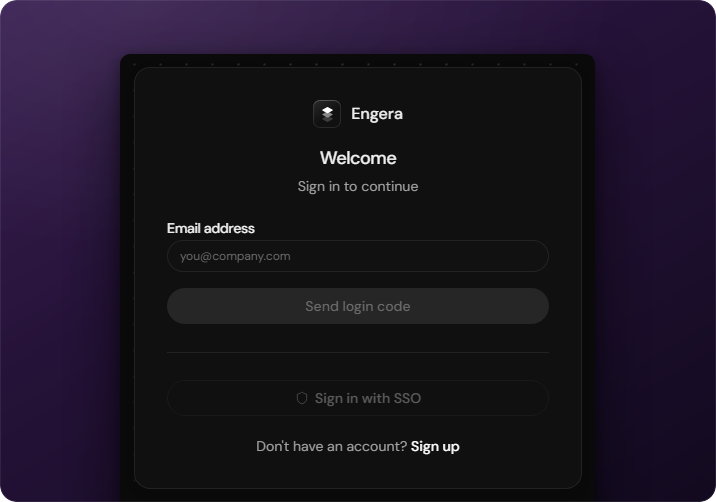
Engera is invite-based: sign-in works for existing accounts only. If your organisation is not on Engera yet, see Getting access.
How sign-in works
Signing in takes three steps:
- Enter your work email on the sign-in page and choose Send login code.
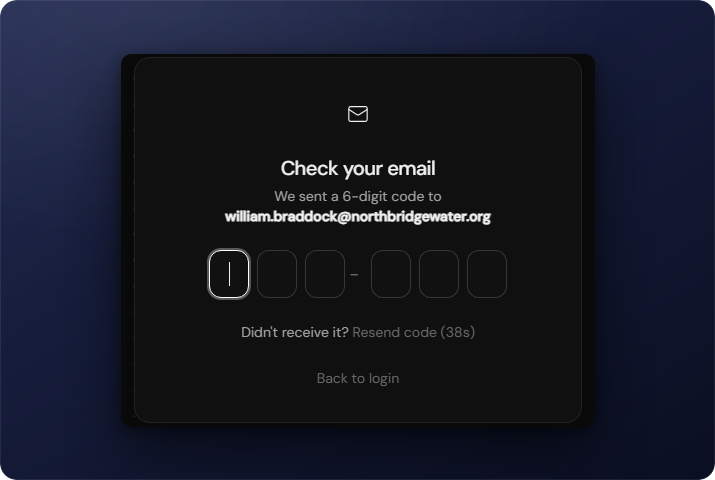
- Engera emails you a 6-digit code. The code also appears in the email's subject line.
- Enter the code on the verification screen.
If the code doesn't arrive
Codes are single-use and expire after one hour. Requesting a new code invalidates the previous one, so always use the most recent email.
- Check your spam folder first.
- The verification screen offers Resend code after a 60-second cooldown.
Joining by invitation
When an admin invites you, you receive an email with an activation link. Opening it activates your account; after that you sign in with the normal email-and-code flow. Project access is granted by the admin. You will see the projects you have been added to.
Sessions & signing out
You stay signed in across visits on the same browser. To sign out, open your avatar in the top-right corner and choose Log out. Your name and avatar are managed in your profile; theme and language in preferences.