Project settings
Change project details and archive projects under Project settings.
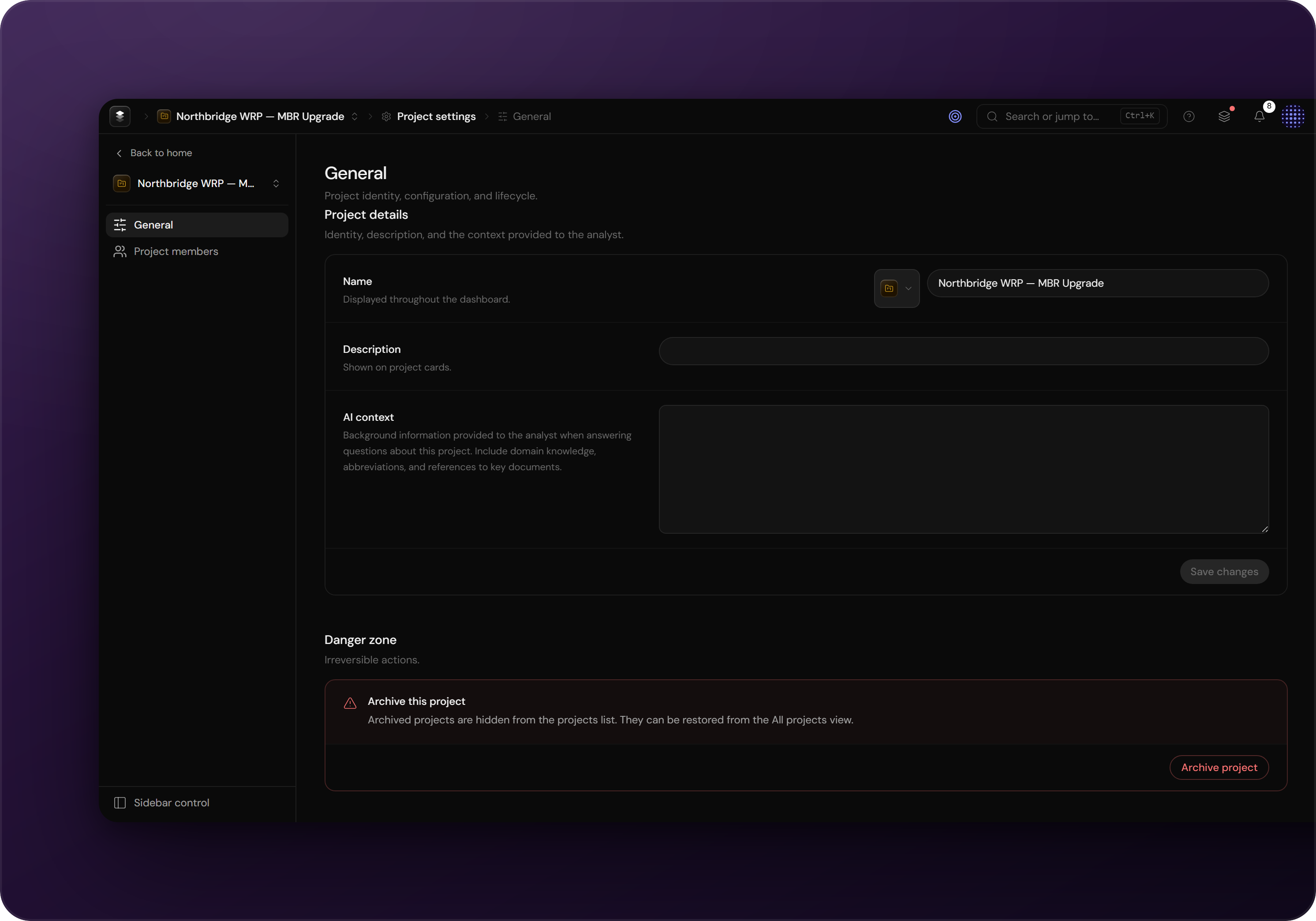
Project details
Navigate to Project settings → General to change the project's name, icon and accent colour. Members are managed on their own settings page under Project settings → Members; see Members & access.
Archiving a project
Finished programmes are archived from the Danger zone at the bottom of the general settings:
- Archiving removes the project from day-to-day lists; its content is retained.
- Archiving asks for confirmation before it runs.