Preferences
Preferences control how the workspace looks and which language Engera uses for the interface and your emails.
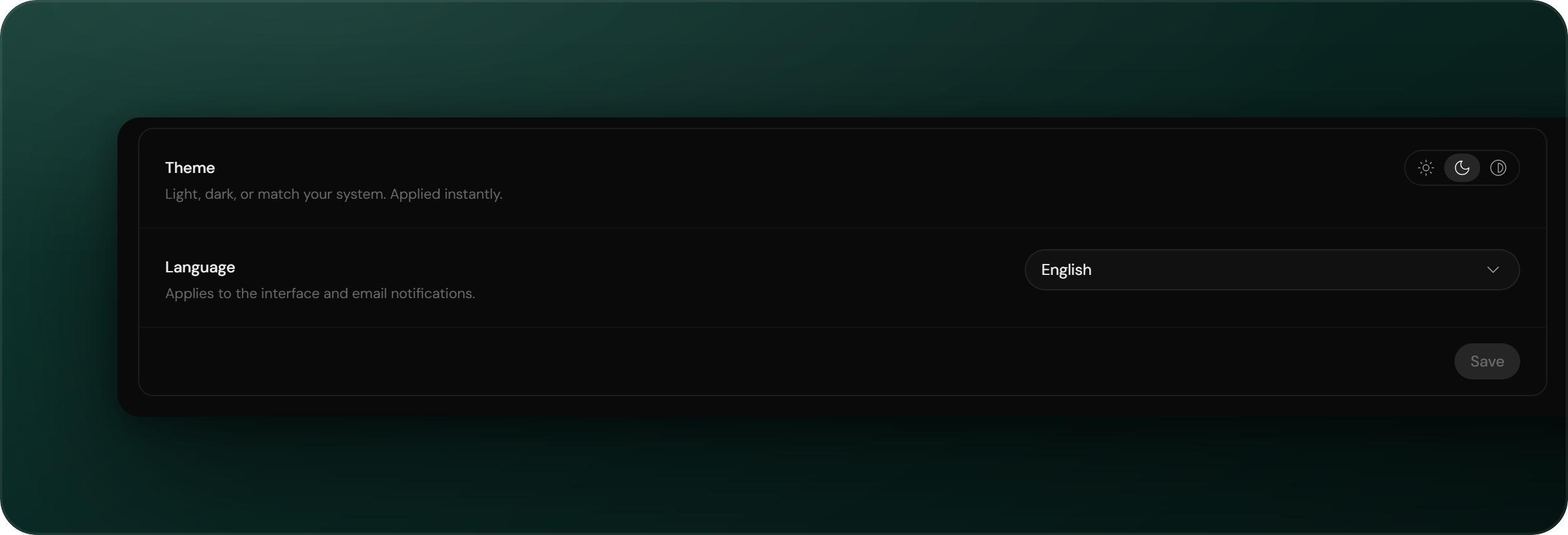
To open preferences, click your avatar in the top-right corner and navigate to Account settings → Preferences. Preferences are per user.
Theme
Choose light, dark, or system. The theme applies immediately; there is no save step. System follows your operating system's setting.
Language
The language setting controls two things:
- The interface: the interface language, English or German.
- Emails: notification emails use the same language. Which emails you receive is configured under Notifications.
Documents are not affected. Uploaded documents keep their original language; the setting changes only Engera's own interface.